Your HOA sends an email blast announcing the pool gate code change. A week later, three residents call to complain that they didn't know the code changed. Half the board responds with some version of "well, we sent the email" — and then somebody else points out that they didn't get it either.
The dirty secret of HOA email is that it doesn't work as well as boards think. Average HOA email open rates are around 20-30%, and average deliverability (the email actually making it to the inbox rather than spam) is around 70-85% depending on how the board is sending. Multiply those: maybe half your residents actually see any given message.
Here's what's going wrong and how to fix it.
1. Sending from a personal Gmail or Yahoo account
Probably the biggest single failure mode. The board secretary sends the HOA newsletter from their personal Gmail account. Or somebody set up "hoa@gmail.com" and sends from there.
Two problems. First, personal email accounts have low daily sending limits (Gmail caps at 500/day for free accounts, 2,000/day for Workspace), and sending to a list of 60-200 households trips spam filters. Second, when half your 60 recipients have you in their address book and the other half don't, the addresses that don't have you are flagged as cold senders and routed to spam.
The fix: use a domain-authenticated email-sending service for bulk communications. The HOA should have its own domain (yourhoa.org or yourcommunity.com) and outbound mail should be sent through a service that handles SPF, DKIM, and DMARC authentication. This isn't optional anymore — Gmail and Yahoo started rejecting unauthenticated bulk mail in early 2024.
2. Treating every email like an emergency
If every HOA email subject line is in ALL CAPS or starts with "URGENT" or "IMPORTANT," residents quickly learn to ignore them. The "important" tag becomes a signal that this is, in fact, not important — because actually important emails just say what they're about.
The fix: use descriptive subject lines that tell residents exactly what's inside. "Pool gate code changes Aug 1" is infinitely better than "URGENT: Pool Update." If a message is genuinely time-sensitive (water main break, security incident), use a different channel like push notifications or SMS rather than relying on email urgency markers nobody trusts anymore.
3. Ignoring the new Gmail/Yahoo bulk-sender rules
In February 2024, Gmail and Yahoo rolled out a set of requirements for anyone sending more than 5,000 emails to their users. The rules are now industry standard:
- SPF, DKIM, and DMARC must all be set up on the sending domain
- One-click unsubscribe must be supported (List-Unsubscribe-Post header)
- Spam complaint rate must stay under 0.3%
- Bounce rate must stay under 5%
Most HOAs send to fewer than 5,000 emails total, so they're technically exempt from the strict thresholds — but the same authentication checks are applied across the board now. If your HOA is sending unauthenticated email from a personal account or a poorly configured platform, deliverability will degrade quietly until you're functionally invisible.
The fix: use a sender that handles all of the above for you. Most modern community platforms (including NeighborTopia) do this automatically.
4. Sending only over email
Even with perfect deliverability, you're still relying on a single channel that residents have to actively check. Email is uniquely bad as a sole channel because:
- Many residents use it for work and never check personal accounts
- Promotional emails get tucked into Gmail's Promotions tab
- Older residents may not use email at all
- Younger residents may not check email outside of work hours
The fix: use a multi-channel approach. Post the same announcement to the app (where engaged residents will see it), email (for residents who prefer that), and push notification (for time-sensitive messages). Don't make this three separate workflows — use a platform where one post goes everywhere automatically.
5. Burying the actual ask
HOA emails tend to bury the lede. You open the email expecting to learn about the meeting next week and instead find five paragraphs of context before getting to the date and time. By paragraph three the reader has stopped reading.
The fix: use the inverted-pyramid structure. The first sentence is the action or the news. Context follows. Details at the end.
Bad:
"Dear residents, As you know, the board has been deliberating about the upcoming budget and various initiatives we plan to undertake in the coming fiscal year. After much consideration and several productive board meetings during which we discussed numerous matters of interest to our community, we have arrived at some decisions that we wanted to share with everyone. Please plan to attend the annual meeting on..."
Good:
"The annual meeting is Tuesday, October 15, at 7pm in the clubhouse. You'll be voting on the 2027 budget and electing three board members. Full agenda below."
6. No follow-up or reminder
One email about an annual meeting two weeks out gets a 30% open rate. By the day of the meeting, two-thirds of residents have forgotten. The board's frustrated that turnout is low; the real failure was the comms strategy.
The fix: for any meeting, deadline, or call-to-action, plan a 3-touch sequence — initial announcement, reminder midway through, day-before nudge. Use different channels for each (email, push, app). Repetition isn't annoying when each touch carries useful information.
7. No way to measure what's working
This is the meta-failure. Boards that send their announcements through a personal email account have no idea how many people opened the message, who clicked the link, who didn't get it at all. Without that visibility, every problem is hard to diagnose and every fix is a guess.
The fix: use a platform with delivery metrics. You should be able to see, for each announcement: how many residents received it (delivered), how many opened it, how many engaged with it, how many bounced. Without those four numbers you can't tell whether your "we keep sending and nobody knows" problem is a deliverability issue, an engagement issue, or a content issue.
Why app + email together beats email alone
The pattern that's emerged over the last few years: communities that adopt an app-first approach to communication (with email as a parallel channel) reach 90%+ of residents, compared to 50-60% for email-only.
The reason isn't that apps are inherently better. It's that they're additive. The resident who never checks email sees the app notification. The resident who never opens the app gets the email. The resident who does both gets both, sees the same thing, and the message is reinforced.
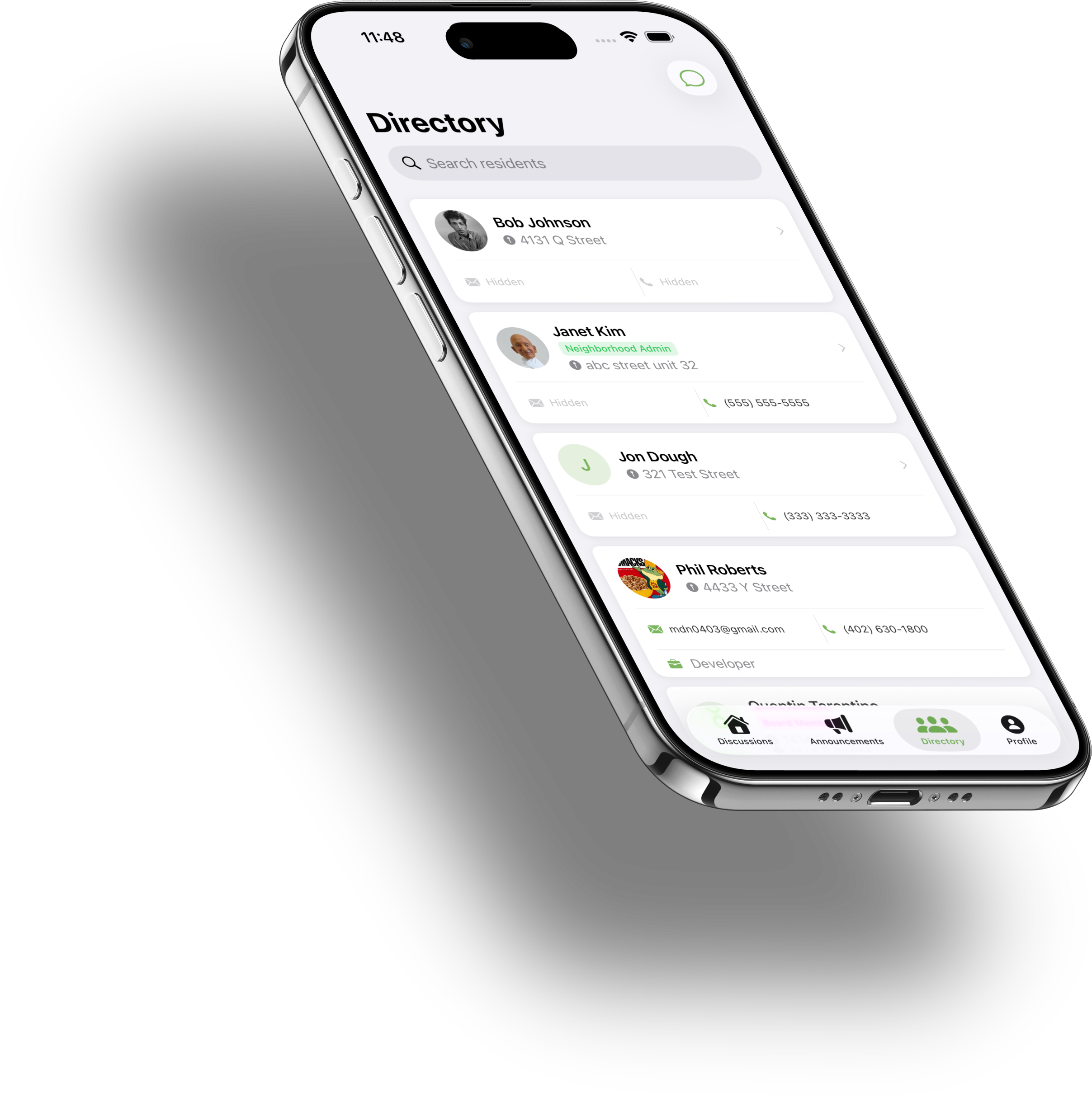
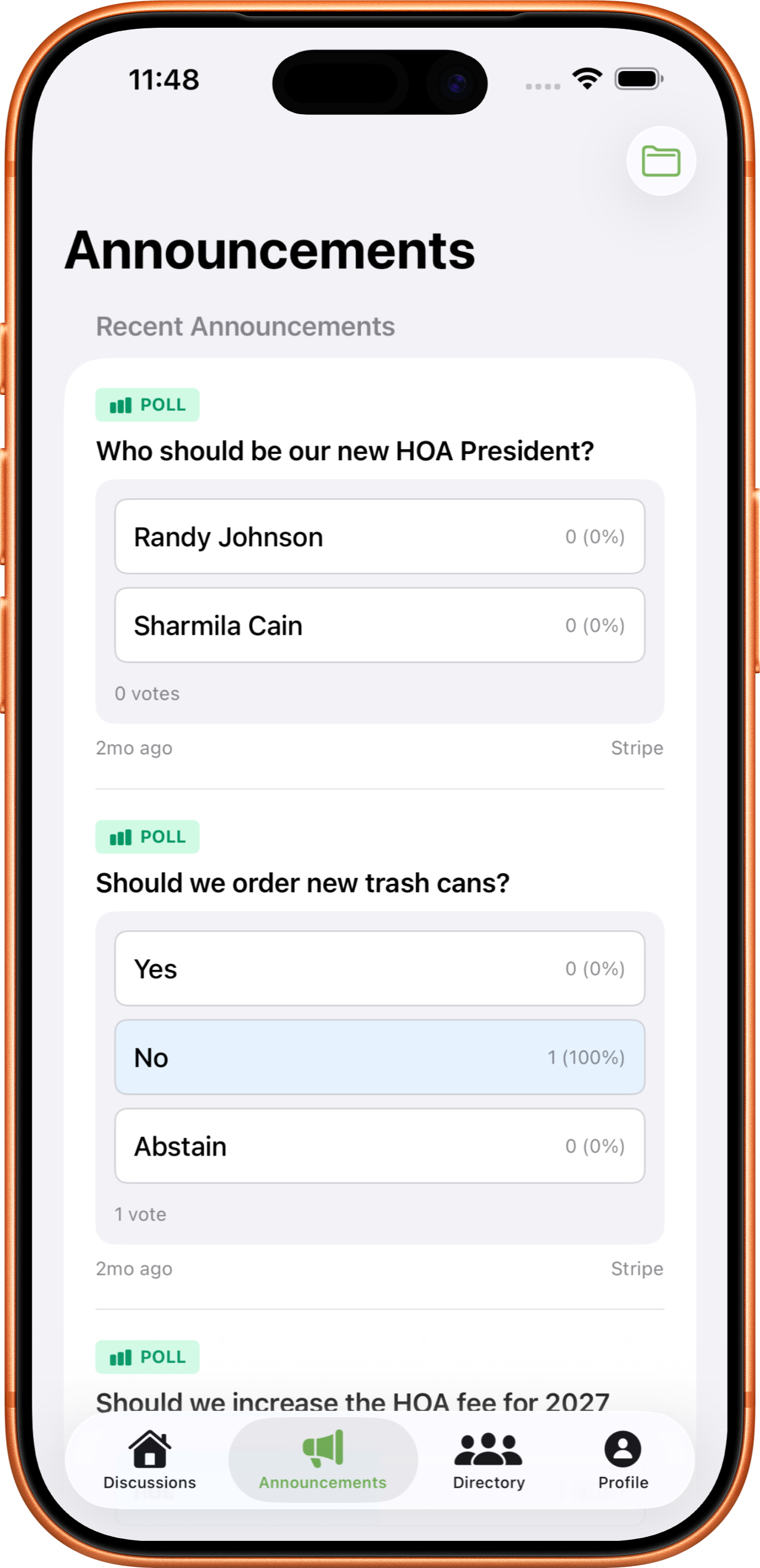
This is the model behind NeighborTopia's announcement system. One post by the board, three places it lands: the app, the email inbox, and a push notification if it's urgent. The board doesn't have to make three workflows. The resident doesn't have to learn three channels. Coverage goes up; effort goes down.
The goal isn't more email. It's the same message reaching more residents through the channels they actually use.
The five-minute audit
Want to know how your current HOA email setup is doing? Five quick checks:
- Send a test email to a Gmail address you don't have in your contacts. Did it land in inbox, promotions, or spam?
- Open one of your recent HOA emails on a phone. Can you tell what it's about from the subject line and first sentence?
- Ask 5 residents to forward you the last HOA email they got. Did they get it? When was it sent vs. when did they see it?
- Pull up your current email-sending tool. Can you see who opened the last announcement?
- Check your domain at mxtoolbox.com/dmarc.aspx. Is DMARC set to "p=reject" or "p=quarantine" with passing alignment?
If you can't answer #4 or #5 with a clear yes, you're flying blind. And if any of #1-3 came back with a problem, you have a deliverability issue costing you reach right now.
Try NeighborTopia free for 30 days
We'll onboard every household at no cost. Cancel anytime in the first 30 days — you won't be charged.
Start free trial See all features